


New article
Recently updated
How to raise a change request against a document

To raise a change request open the workflow of a document.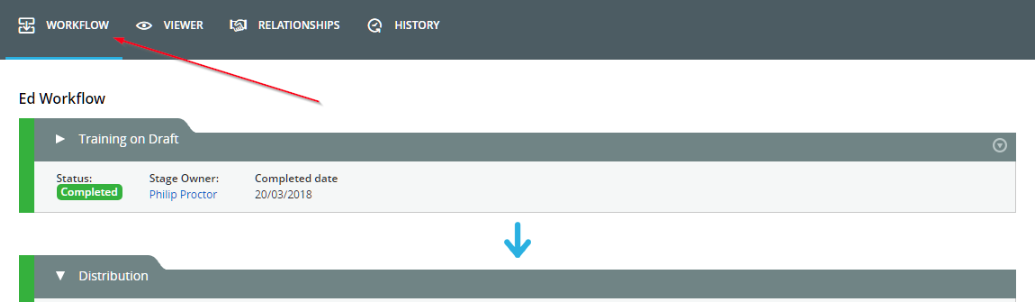
Browse to the Change Request tab and click the ‘Raise Change Request’ button.
Fill out the change request form.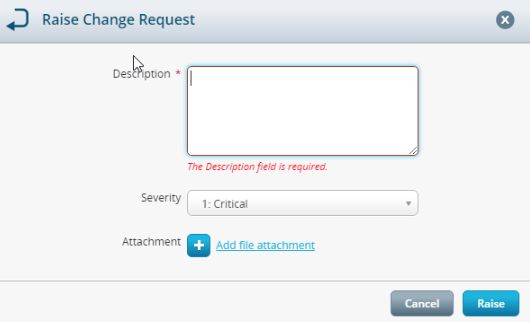
If you have the correct permissions, you can implement a change request by clicking the  symbol and reviewing the change request. These can either be accepted or rejected.