


New article
Recently updated
Managing custom lists

Who is this article for?
Administrators who want to learn to manage custom lists.
No elevated permissions are required.
Custom lists are lists that you can create and manage within the admin area of Ideagen Aviation Safety (Cora) and use as options for answers in fields on reports.
Accessing custom lists
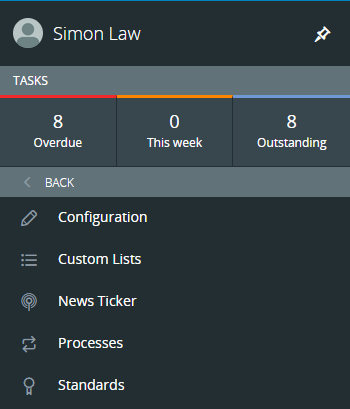
To access your custom lists:
- Go to Administration.
- Select Customisation.
- Choose Custom Lists.
Adding a new custom list
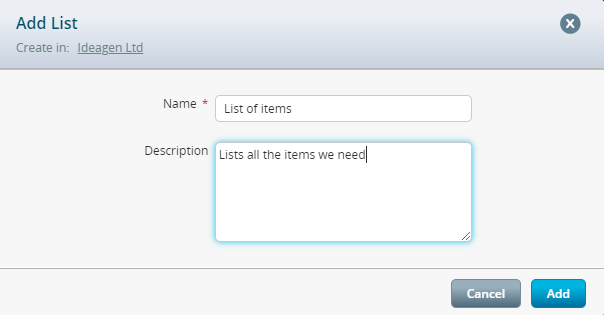
To add a new custom list:
- Click the Blue Plus icon at the top right of the page.
- Enter a name for your list.
- Enter a description.
You will be taken to the List Summary page where you can add and manage all items in your custom list.
To add a new item to your list:
- Click the + next to the list title.
- Enter a title for your list item.
- Enter a code.
- Enter a description.
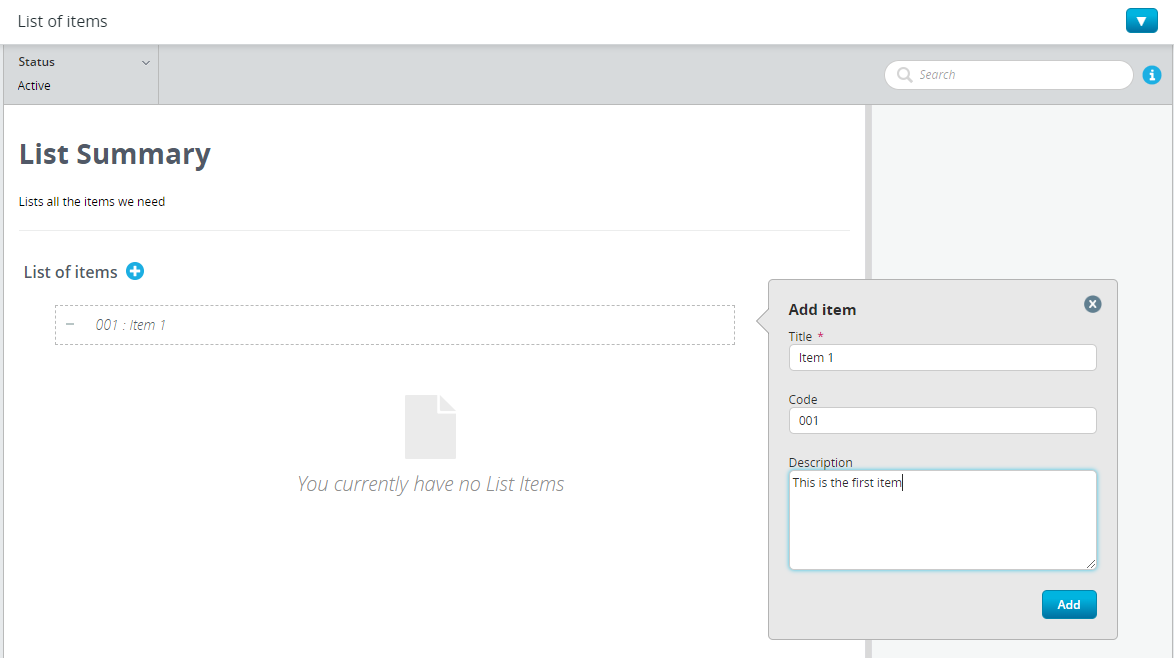
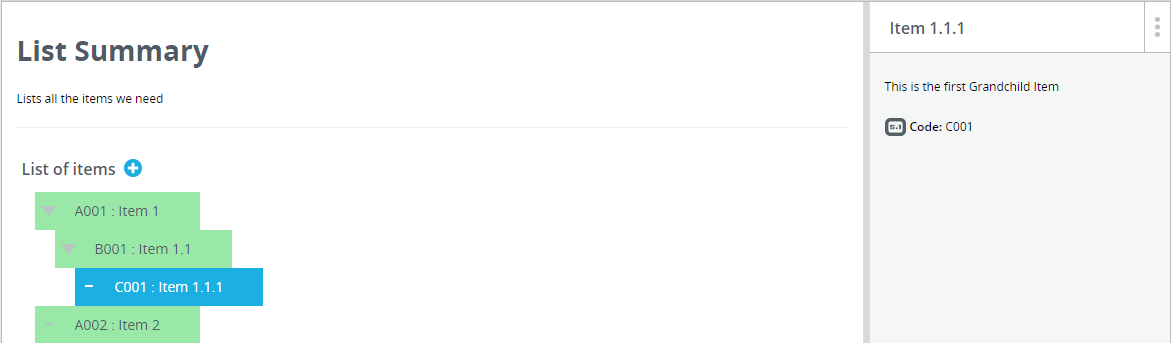
Note: Codes can be alphanumeric and are used to identify your list items when they are used elsewhere on Ideagen Aviation Safety (Cora).
You can add as many items as you like to your list, including child items of items you have already created if they are related to each other.
Editing existing list items
To edit an existing list item:
- Click on your list item from the Lists Summary page.
- Hover your mouse to the right of the title, code, or description.
- Click the Pencil icon that appears.
- Edit the information.
- Click Save.
Important: This will immediately update all reports regardless of it's status. We recommend creating a new custom list if you don't want to affect existing reports.
Archiving list items
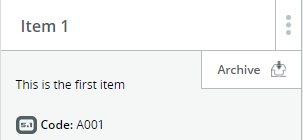
To archive a list item and make it unavailable for selection:
- Select your list item.
- Click the 3 Dot menu on the right-hand side.
- Choose Archive.
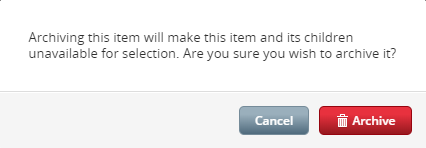
You will be prompted with a warning message.
To view archived list items, change the view filter at the top of the page.
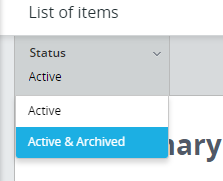
You can then view all of your archived list items and have the option to Reinstate them for selection again. This feature can be useful if you want certain list items to only be active for selection during certain seasons or for certain events that are time limited.